
V-Note Versions

V-Note Video Analysis Software® is compatible across many platforms while at the same time benefiting from the affordances of each device. For example, with V-Note iPad Edition, you can record video (or just audio) and code instances of it in real time. V-Note also lets you share with others and with yourself across all devices.

We strive to make our other versions and our cloud-based collaboration services very affordable for everyone. Each version is described and shown below.
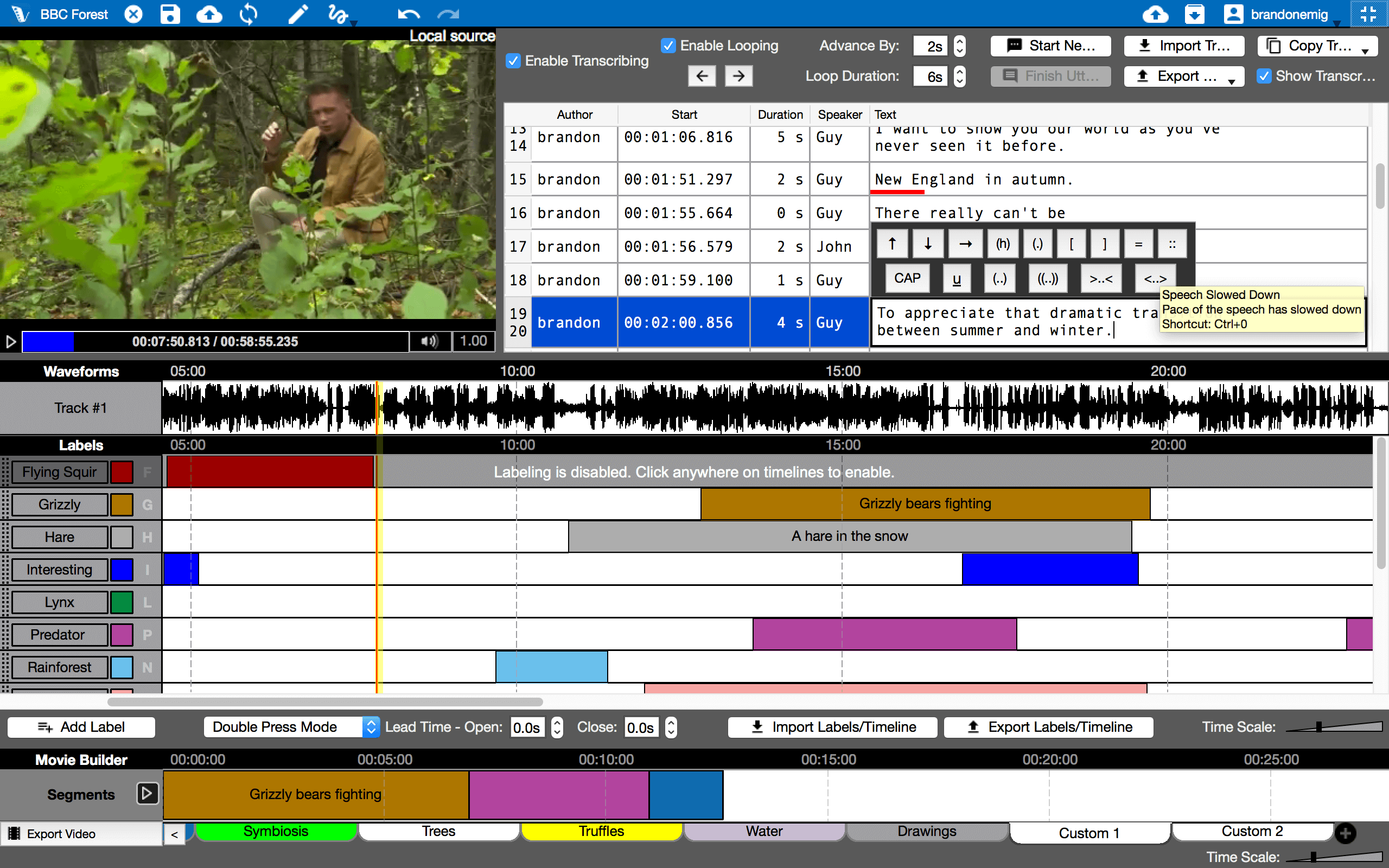
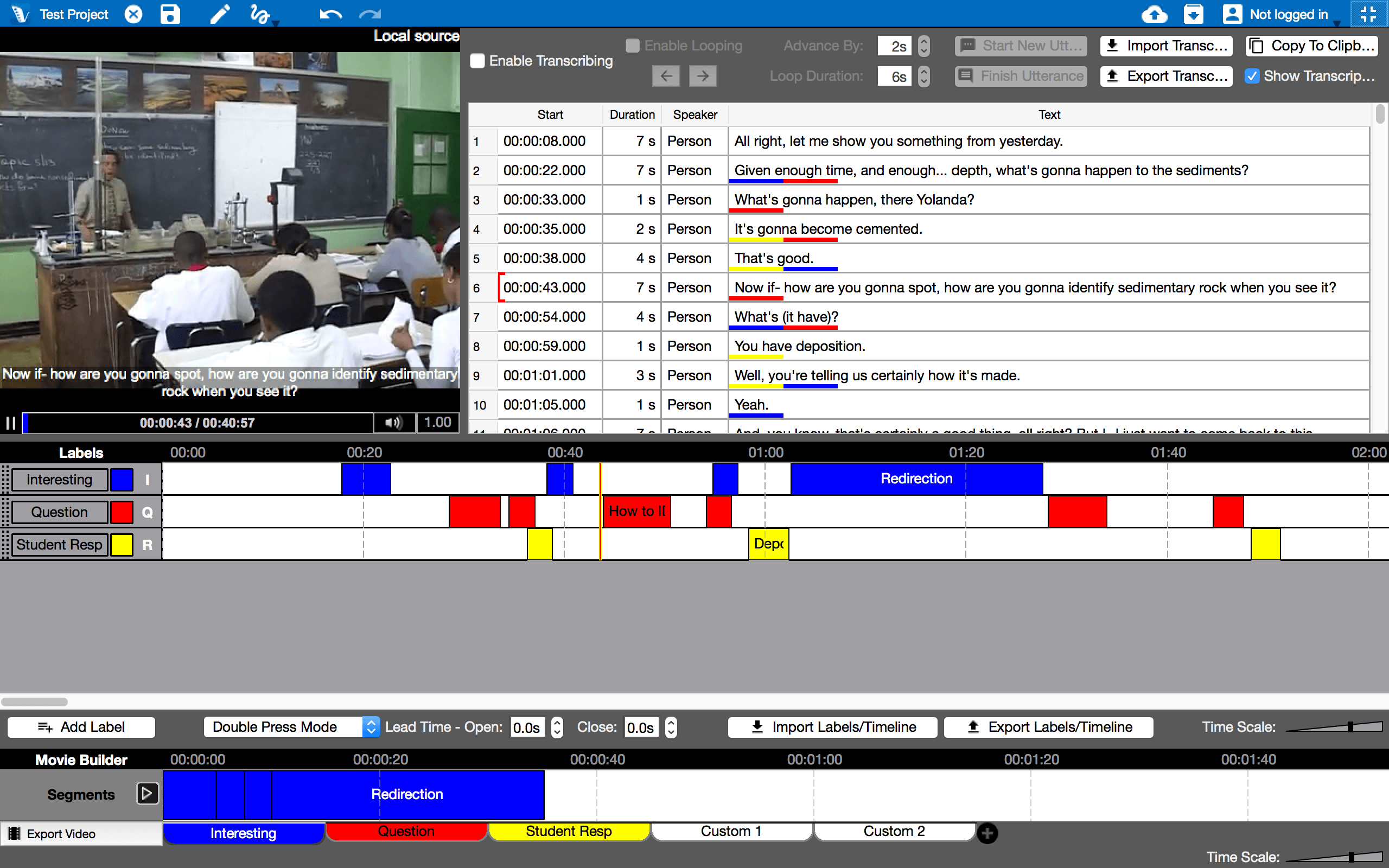
Includes all the following features!
  • For Mac OS® and Windows ®
  • Collaborate with students and colleagues
  • Store locally or on the cloud for collaboration
  • Transcribe(supports CA standards)
  • Make notes on labeled instances or in a document
  • Use multiple videos in series or in parallel (with auto-syncing)
  • Make new videos from clips (drag and drop to order)
  • Get lots of different stats(e.g., IRR, overlap)calculated automatically
  • Export raw data and transcripts
  • Link rubrics to your timelines’ labeled instances
  • Customize shortcut keys for most functions or use mouse
  • Adjust playback speed easily on the fly
  • Draw on videos
  • Make PDFs of screenshots
  • Zoom into videos
  • Boolean keystrokes and analysis functions
  • Add users directly or share access codes
  • Use with audio-only
  • View waveform and video change graphs
  • Compatible with most video formats
Get Now $299.99 or $9.99 / month

*The free version has much of the same functionality as the pro version. It is a great way to experience V-Note to check if it is suitable to your application. In fact, some users can get by completely with it. The free version of V-Note’s limitations include: limit of 5 codes (aka labels) ; no sub-codes; no automatic statistic calculations, no data exporting to other programs, and making new videos from clips is not supported.